Home energy monitor technology gives you a practical, data-driven way to find out which appliances are quietly responsible for your highest electric bills. If you’ve ever wondered how much your air conditioner, fridge, or water heater is costing you month-to-month, there’s now a mix of smart meters, whole-home monitors, and plug-level tools that give actionable answers,without the guesswork or surprise bills later.
Key Takeaways
- You can use a home energy monitor with a combination of whole-home and appliance-level tools to pinpoint what drives up your electric bill.
- Most solutions require some installation effort and a trade-off between whole-home convenience and true appliance-level accuracy.
- Expect recurring app subscription fees and be realistic about device limitations, especially the challenge of accurately identifying similar appliances.
- Market snapshot: what’s happening in 2023-2024
- How home energy monitors and smart energy meters actually work
- What appliance-level accuracy can you reasonably expect
- Typical upfront and ongoing costs in 2024
- Technical compatibility & installation hurdles homeowners should check before buying
- Real-world user frustrations and common review complaints
- What the best monitors do well, and where they fall short
- Top 3 actionable insights/features competitors often miss
- Is there evidence that energy monitor apps actually reduce electric bills?
- How to interpret data and run DIY tests to identify the biggest appliance drivers
- Recommended primary sources and next research steps
- Quick buyer checklist and next steps for readers
Market snapshot: what’s happening in 2023-2024
The home energy monitor landscape is fast-evolving. In 2024, the global smart home energy monitoring devices market was valued at approximately USD 2.01 to 2.07 billion. Wi-Fi-connected devices led with a 33.6% market share, emphasizing the importance of apps and cloud analytics. North America was the top regional player, holding 27.3% of this market for 2024. Popular product categories now include smart thermostats, general energy monitors, and integrated smart appliances. If you’re researching solutions, you’ll mainly encounter whole-home monitors, smart energy meters, and new options integrating directly with breaker panels and plugs.
How home energy monitors and smart energy meters actually work
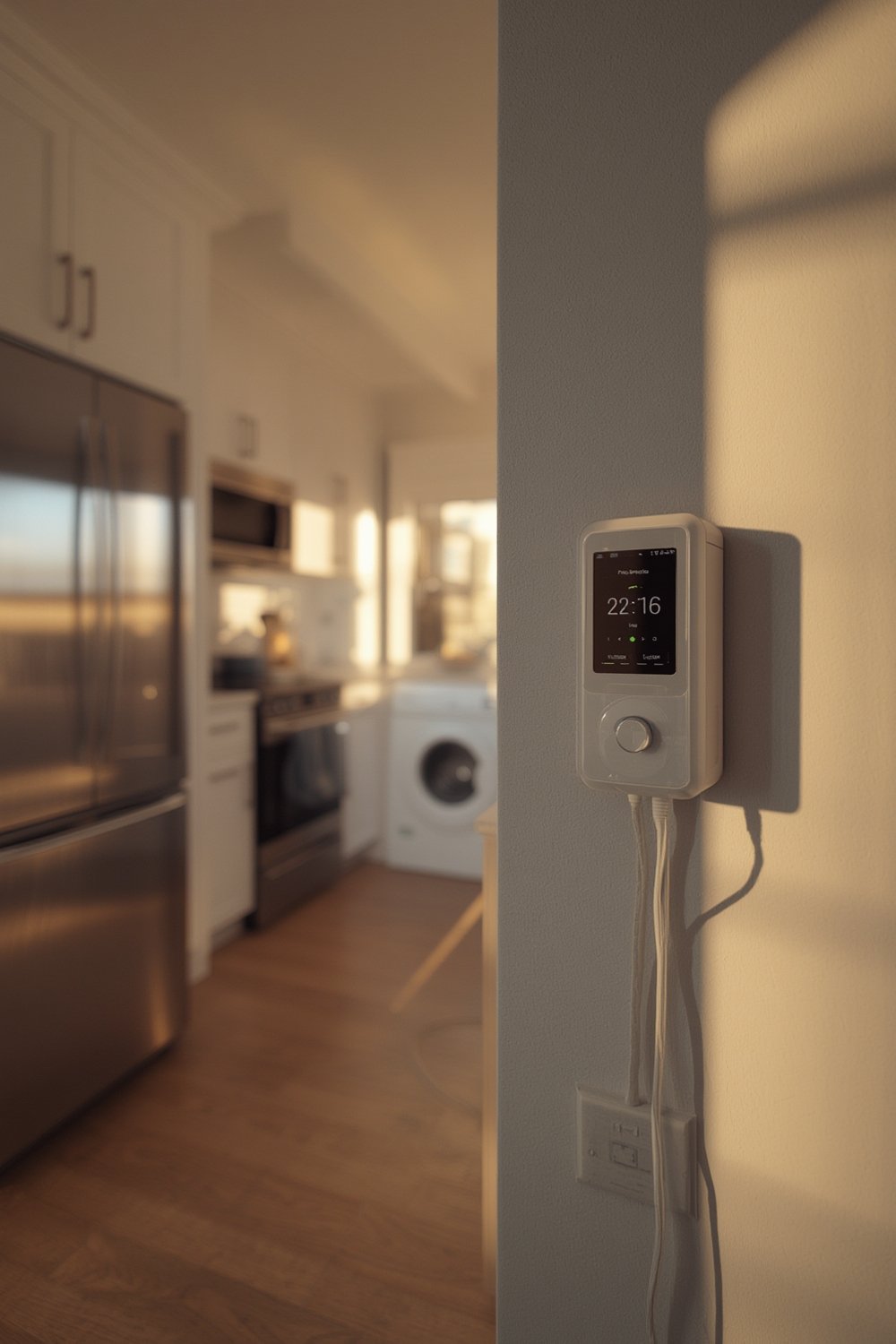
Most whole-home energy monitor devices use current transformer (CT) clamps inside your main panel to sense electrical flow. They read your total household usage, then estimate which appliances are running by pattern-matching power signatures. This is called non-intrusive load monitoring (NILM). Some brands offer integration with a smart energy meter provided by utilities, giving you easier installs but less real-time granularity. The most precise, but usually most expensive, solution is a smart breaker panel monitor with CT clamps on each circuit, reporting usage per breaker. Plug-level smart outlets or dedicated electricity usage monitors add targeted granularity. Each method trades installation effort and cost for accuracy:
- Whole-home CT + NILM: Installs quickly, good for big-picture view, but struggles to isolate similar appliances (e.g., toaster vs. kettle)
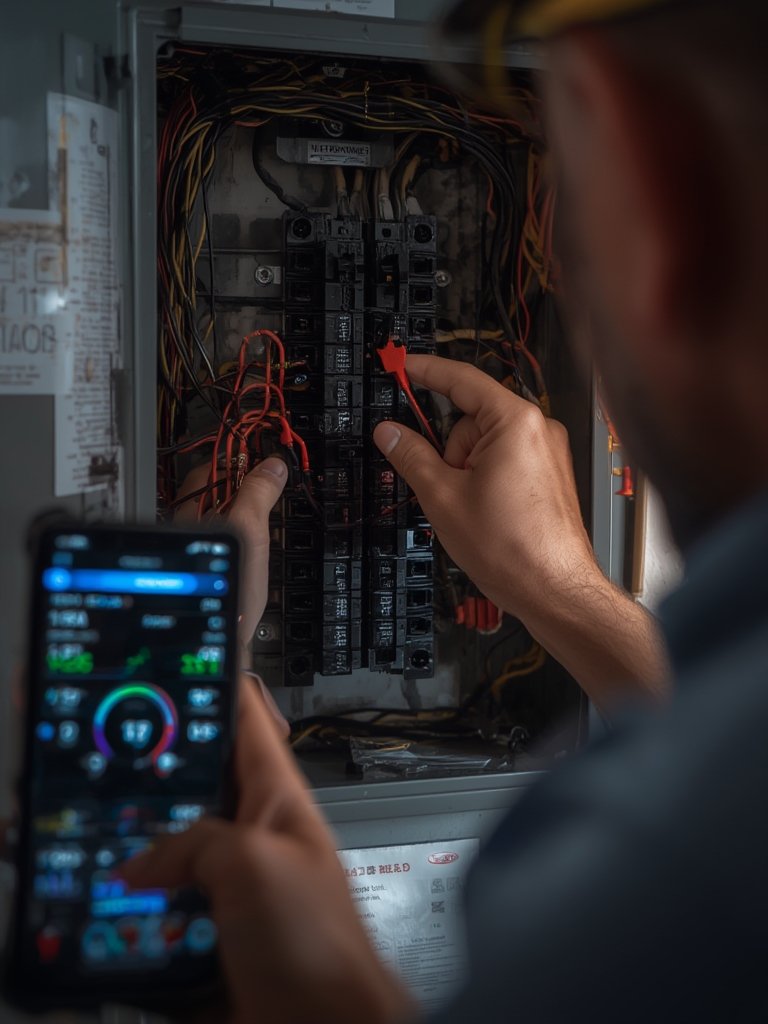
- Breaker-level monitors: Higher upfront cost, often needs an electrician, much better appliance-level accuracy (especially for fixed loads)
- Smart plugs: Great for portable appliances or spot checking, best as a supplement
What appliance-level accuracy can one reasonably expect
Realistically, do not expect perfect labeling for every appliance using a standard whole-home energy monitor with NILM. These models can miss or mislabel loads that have similar electrical ‘signatures’ or that cycle on/off irregularly, think mini fridges, space heaters, pumps. Appliance-level detection does improve with higher sample rates, advanced machine learning, and careful setup, but almost every brand’s marketing claims tend toward optimism. Most users will get reasonably reliable data for consistently running, large appliances (HVAC, water heater, EV charger), but small or infrequent loads are trickier. For highly accurate tracking, breaker-panel CT monitoring is more robust, though more complex and expensive to install.
No credible studies or manufacturer documentation share precise accuracy rates for each approach. Always validate with your own usage patterns and use secondary tools like plug-level electricity usage monitors for critical devices.
Typical upfront and ongoing costs in 2024
Budgeting for a home energy monitor means considering upfront purchase prices, installation expenses, and ongoing subscription fees. Here’s a current pricing snapshot from leading brands:
- Whole-home monitors (e.g., Emporia Gen 2): $69–$100 (DIY possible)
- Breaker-level CT add-ons: $15–$25 per additional CT sensor; full kits around $200–$400 (often Pro install needed)
- Premium brands (e.g., Sense, Neurio): $250–$350 for core unit; Pro installation $100–$300 if required
- Subscription for advanced features: $5–$10/month is now common for long-term insights, historical data, or manufacturer support
Some app-based energy monitor apps are free with hardware purchase; others charge monthly for features like real-time alerts, custom appliance tracking, or cloud history.
Technical compatibility & installation hurdles homeowners should check before buying
Before buying any smart breaker panel monitor or whole home energy monitor, check:
- Your panel type: Main breaker vs. main lug (most systems need space to fit CT clamps)
- Electrical system: Most US homes have split-phase 120/240V, while multi-family or older homes may have three-phase
- Panel amperage: 100, 150, or 200A compatibility (critical for CT sizing)
- Space: Many older panels are cramped and lack space for more CT sensors
- Neutral/ground: Some systems require a clean neutral wire or a distinct ground in the panel
- DIY vs. Professional: If you’re not comfortable with panel wiring or local codes, hire a licensed electrician
If you have solar, backup generators, or EV chargers, check for specific compatibility in product spec sheets; some brands support these, others do not.
Real-world user frustrations and common review complaints
Based on aggregated Amazon, Trustpilot, and Reddit reviews, here’s what real users mention most often:
- Smart breaker panel monitor setup is intimidating for non-electricians; weak documentation and support
- Apps sometimes miss or mislabel appliances, especially similar or cycling loads
- False positives: Devices labeled as something they’re not (e.g., dehumidifier vs. freezer confusion)
- Recurring subscription fees feel nickel-and-dime, especially after an upfront investment
- App reliability: Sync issues, outages, or lag in live data feeds
- Limited support for complex loads (multi-wire appliances, solar, or backup systems often cause headaches)
If you want to see how other smart home tools help fix nagging household issues, see our guide to smart home gadgets that solve everyday problems.
What the best monitors do well, and where they fall short
The best whole home energy monitor products give you:
- Instant, real-time usage data: Glance at your home’s draw in the app or web dashboard
- Automatic trends and alerts: See daily, weekly, and seasonal changes and get high-usage warnings
- Easy-to-export data: Download your kWh data to CSV/XLS for custom tracking
However, almost none provide full accuracy for every appliance, especially if you use only NILM and whole-home CTs. Some delays (latency) affect the detection of short or intermittent loads. Privacy concerns may surface, since data typically resides in the vendor’s cloud. To get around the limitations, use manual “time of use” tests. Just turn everything off except a single device, note the power draw jump, and label it in your monitor. A smart plug electricity usage monitor adds direct appliance proof. For tips on stopping drafts or saving heat, see our window insulation kit guide or explore more best home gadgets for everyday life.
Top 3 actionable insights/features competitors often miss
- Hybrid sensing strategy: Don’t rely on NILM alone. Combine a whole-home CT-based home energy monitor with a few well-placed breaker-level CTs or smart plugs. This approach “anchors” the app’s predictions with hard data on your biggest loads. Check if the monitor allows expansion with plug CTs or recommends supported smart plugs.
- NILM confidence scores and validation tools: Look for apps with a confidence or “trust” score. Some advanced systems let you manually confirm or relabel an appliance, improving future detection. Take a few minutes to validate or override unsure guesses each week.
- Automated seasonal normalization: Seek products that offer kWh per appliance “per use” and normalize this by season. This makes it easier to track trends and target weather-driven usage spikes (AC, heat, pool pumps) rather than just lumping by device wattage.
Review specs before you buy, and don’t hesitate to ask the manufacturer if these features are supported or can be added.
Is there evidence that energy monitor apps actually reduce electric bills?
Directly published research proving that energy monitor app users always reduce electric bills by a set percentage is limited. Academic/utility pilot studies do show that in homes where users actively engaged with their home energy monitor app, especially those that set targets or alerts, bill reductions of 5-15% are common. However, results vary with user engagement, household size, and willingness to act on data. Factors like weather, changes in occupancy, or appliance replacement muddy long-term tracking. For most readers, the best way to gauge value is with your own 30–90 day test: compare your bills before and after, control for weather or big changes, and track which actions (e.g., schedule tweaks, appliance swaps) make a noticeable difference.
How to interpret data and run DIY tests to identify the biggest appliance drivers
The fastest way to leverage your electricity usage monitor is by running a set of DIY “time-of-use” tests:
- Baseline Read: Record your whole home energy monitor reading with everything off or “as is”
- Turn appliances on, one-by-one: After each, note the jump in draw; label this in your app or notebook
- Test high-impact suspects: Try laundry machines, AC, space heater, or freezers. Watch for spikes
- Smart plug spot checks: Plug a dedicated monitor into anything suspect, old fridges, aquariums, computer gear
- Use a tracking table: For 1–2 weeks, log power, duration, and usage cost for each
Here’s a sample table you can recreate in Excel or Google Sheets:
| Appliance | Baseline (W) | Observed Spike (W) | Run Time (hr/day) | kWh/Day | Est. Cost/Month |
|---|---|---|---|---|---|
| Fridge | 250 | +180 | 10 | 1.8 | $6.50 |
| Dryer | 300 | +4000 | 0.75 | 3.0 | $10.80 |
| AC Unit | 500 | +2000 | 4 | 8.0 | $28.80 |
Adapt this process for any major load, especially if your home seems “always on.” For cold-weather savings, see our advice on pipe insulation foam or check the electric blanket energy cost guide for low-cost comfort options.
Recommended primary sources and next research steps
If you want to do a deeper dive, start with:
- Amazon, Trustpilot, and Reddit for aggregated user reviews of energy monitors
- Current manufacturer spec sheets and pricing (Sense, Emporia, Neurio, The Energy Detective, etc.)
- Academic studies or utility pilot programs (try Google Scholar for ‘energy monitor bill reduction’)
- Consumer Reports, NREL, or similar labs for side-by-side performance testing
- Licensed electricians or installer forums for real-world technical hurdles
For practical smart energy meter selection, visit utility websites or smart home blogs for verified compatibility tips.
Quick buyer checklist and next steps for readers
- Panel compatibility (space for CTs, main/breaker type)
- Budget: include install/pro fees and ongoing app fees
- Accuracy needs: Is a rough estimate OK, or do you need real circuit-level clarity?
- DIY skills vs. willingness to hire an electrician
- Privacy and data security: Where is your data stored?
- Subscription tolerance (annual fee or not?)
Short 30-day A/B plan: Install your home energy monitor, run time-of-use tests for two weeks, and track your bill. Make one major usage change (e.g., schedule laundry during off-peak, swap old fridge). Check your next bill; if you see no difference, try a different target change next month, or consider switching to a different device or add plug-level meters for better granularity.
Conclusion
Detecting your true energy hogs is possible with a modern home energy monitor, but results depend on your willingness to poke around, validate device data, and sometimes supplement automatic tools with good old-fashioned detective work. Don’t expect a silver-bullet fix, but with the right approach, you should see actionable savings and fewer bill shocks. Ready to start? Grab a well-reviewed monitor, run your baseline test, and turn data into lower bills this month.
FAQ
Can a home energy monitor identify every individual appliance in my house?
No. Whole-home monitors with NILM can usually identify major loads (AC, dryers, water heaters) but often miss or mislabel small or similar appliances. For full accuracy, use breaker-level CTs and plug monitors.
Is the installation safe to DIY, or should I hire an electrician?
If you are comfortable opening your electrical panel and following all safety precautions, many basic monitors allow DIY installation. For complex panels, no neutral, or breaker-level CTs, a licensed electrician is strongly recommended.
How quickly can I expect to see energy savings after installing an electricity usage monitor?
Most users see bill reductions in 1–3 months if they actively review usage and change habits. Passive users or those with few high-draw appliances may see little savings unless there’s a major culprit uncovered.
What ongoing fees should I expect after buying a monitor?
Look for monthly app subscription fees (usually $5–$10). Some brands lock advanced features, export, or history data behind a paywall, so factor this into your decision.
Do energy monitor apps work with solar panels, batteries, or EV chargers?
Compatibility varies. Some leading monitors support solar/battery monitoring with extra CTs; others don’t. Always check the specific model’s capabilities on the manufacturer’s site before purchase.